Inspect
Open schemas and tables, filter data, and check the actual PostgreSQL values.
Postgres manager for Mac
Connect to a database, browse schemas, inspect rows, run SQL, edit data, and export results. PostgresGUI stays focused on this daily loop instead of trying to replace a full DBA suite.
Open schemas and tables, filter data, and check the actual PostgreSQL values.
Run SQL in separate tabs and keep the result next to the statement.
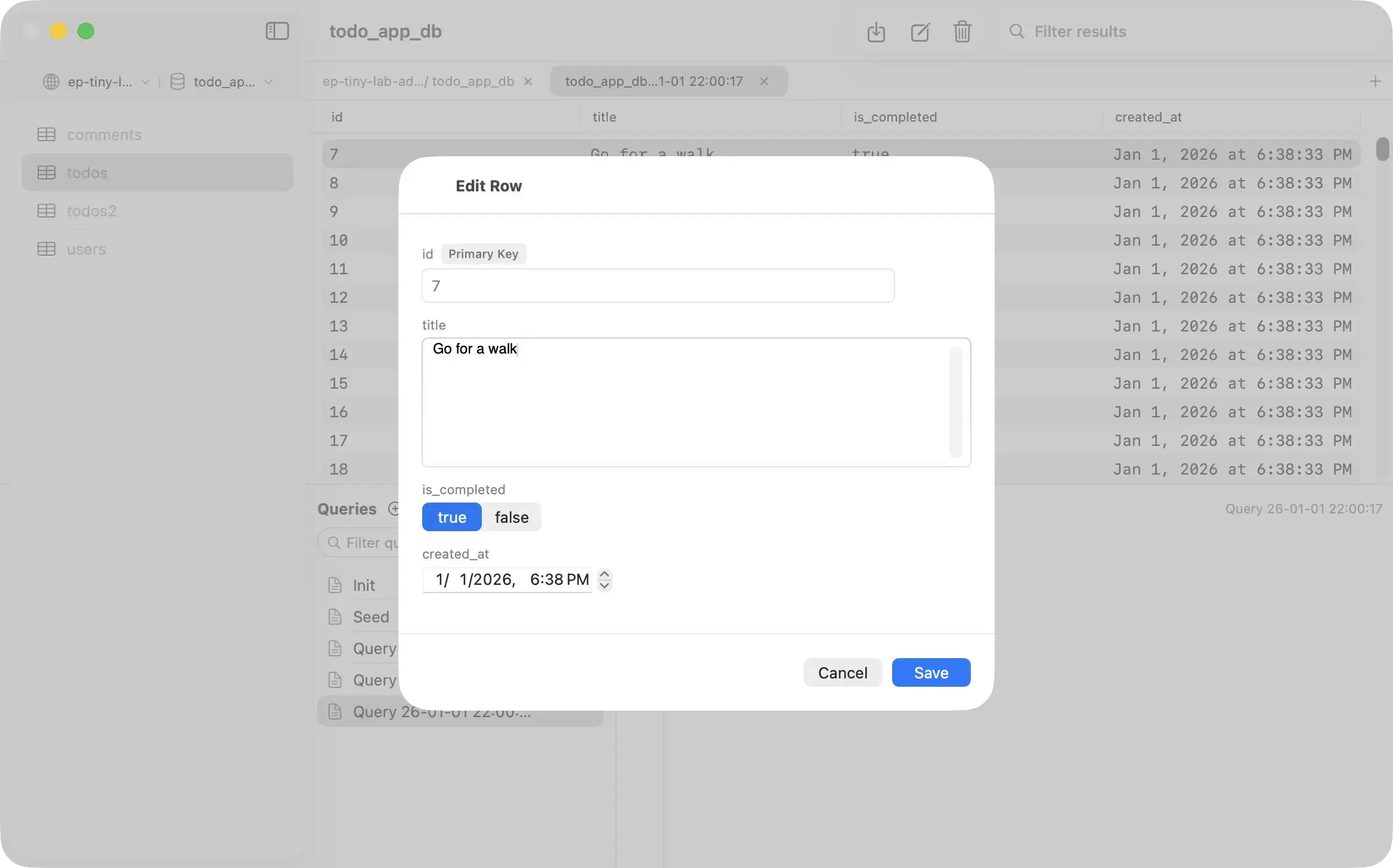
Edit rows directly when the connected PostgreSQL role has permission.
An ORM is useful inside an application, but it can hide column names, database types, null values, and server-side defaults. A direct PostgreSQL client gives you the database view when debugging.
| Tool | Best for | Not its main job |
|---|---|---|
| PostgresGUI | Browsing, SQL, row editing, JSON, CSV, daily Mac development | Backups, roles, monitoring, replication administration |
| pgAdmin | Full PostgreSQL object and server administration | A small native Mac workflow |
| psql | Scripts, SSH sessions, exact commands, automation | Visual table and result browsing |
Need deeper administration? Read the PostgresGUI and pgAdmin comparison. Want a broader client comparison? See the best PostgreSQL clients for Mac.