TablePlus is a capable tool, but it's not the right fit for everyone. Here's what drives developers to look for alternatives.
TablePlus costs $99 per device with a $59/year renewal for updates. That adds up fast across multiple machines.[1]
The free version is limited to 2 tabs and 2 windows, which can feel restrictive when working with multiple queries or databases.[1]
Some developers prefer open source tools where they can inspect the code, and have full transparency.
At ~140MB installed, TablePlus is over 5x the size of PostgresGUI due to multi-database support.[2]
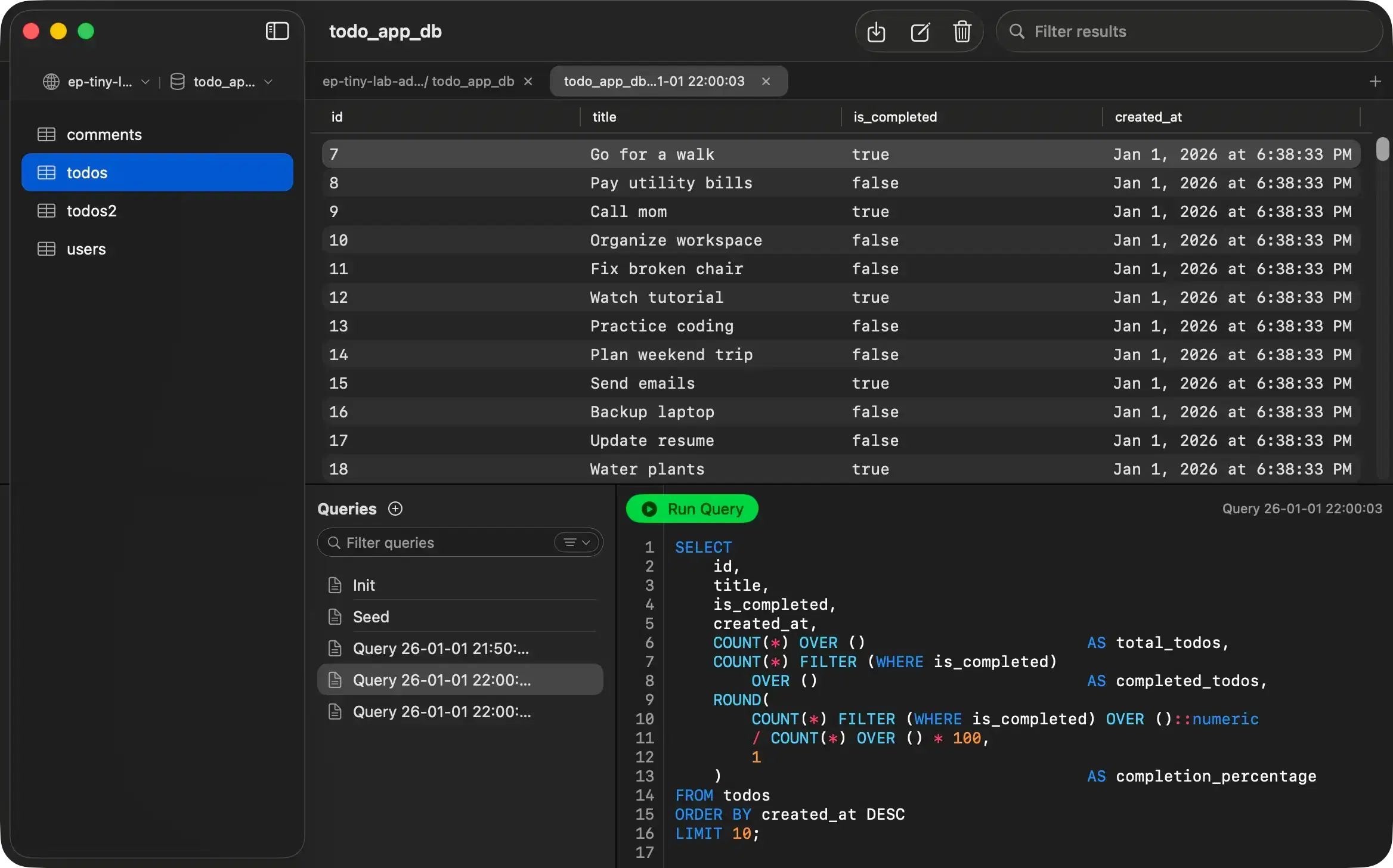
A native Mac app that does one thing well: PostgreSQL. No multi-database complexity, no Electron overhead, no subscription.
Full source code on GitHub for full transparency and trust.
Just 26.1 MB. macOS Native. SwiftUI. No Electron.
Pay $4.99 once. Free updates forever. No subscription.
Zero telemetry, zero analytics. Your data never leaves your Mac.
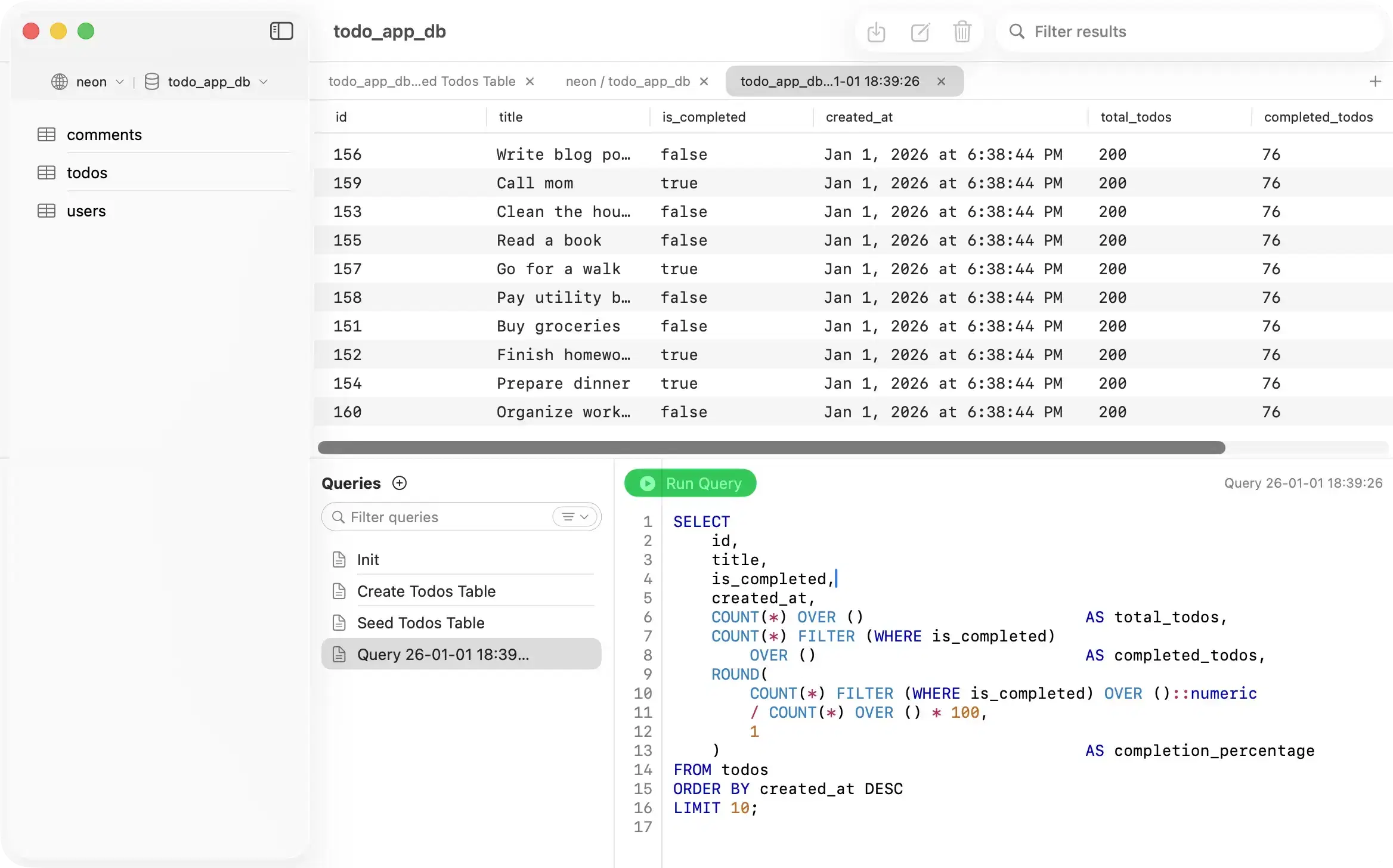
A transparent comparison to help you make the right choice for your workflow.
| Feature | PostgresGUI | TablePlus |
|---|---|---|
| Price | $4.99one-time | $99/device |
| Updates | Free forever | $59/year renewal |
| Size | 26.1 MB | ~140 MB |
Different tools for different needs. Here's an honest look at when each option makes sense.

PostgresGUI is open source and the code is freely available on GitHub. The App Store version costs $4.99 as a one-time purchase to support development. There are no subscriptions, no renewal fees, and updates are free forever.
No. PostgresGUI is designed exclusively for PostgreSQL. This focus allows us to build a better, more lightweight tool without the complexity of supporting multiple database engines.
PostgresGUI is a native Mac app built with Swift. It's designed exclusively for macOS. If you need cross-platform support, TablePlus or DBeaver might be better options for you.
PostgresGUI is built with native Swift and doesn't bundle a web browser engine like Electron apps do. It only includes what's needed for PostgreSQL, keeping the install size at just 26.1 MB.