DBeaver Community is free and open source, and it covers a huge range of databases. That breadth is useful, but it can feel like more tool than a Mac Postgres workflow needs.
DBeaver's strength is broad database coverage. If you only use PostgreSQL, the extra connection types, drivers, panels, and preferences can add daily noise.[1]
DBeaver is a cross-platform desktop workbench with a plugin-oriented architecture. It is powerful, but it does not feel like a small native Mac utility.
Cross-platform consistency means DBeaver cannot fully lean into macOS conventions, App Store updates, or Swift-native interface behavior.
The tool is deep. New teammates often spend time learning workbench concepts before they get to the query and table workflows they needed.
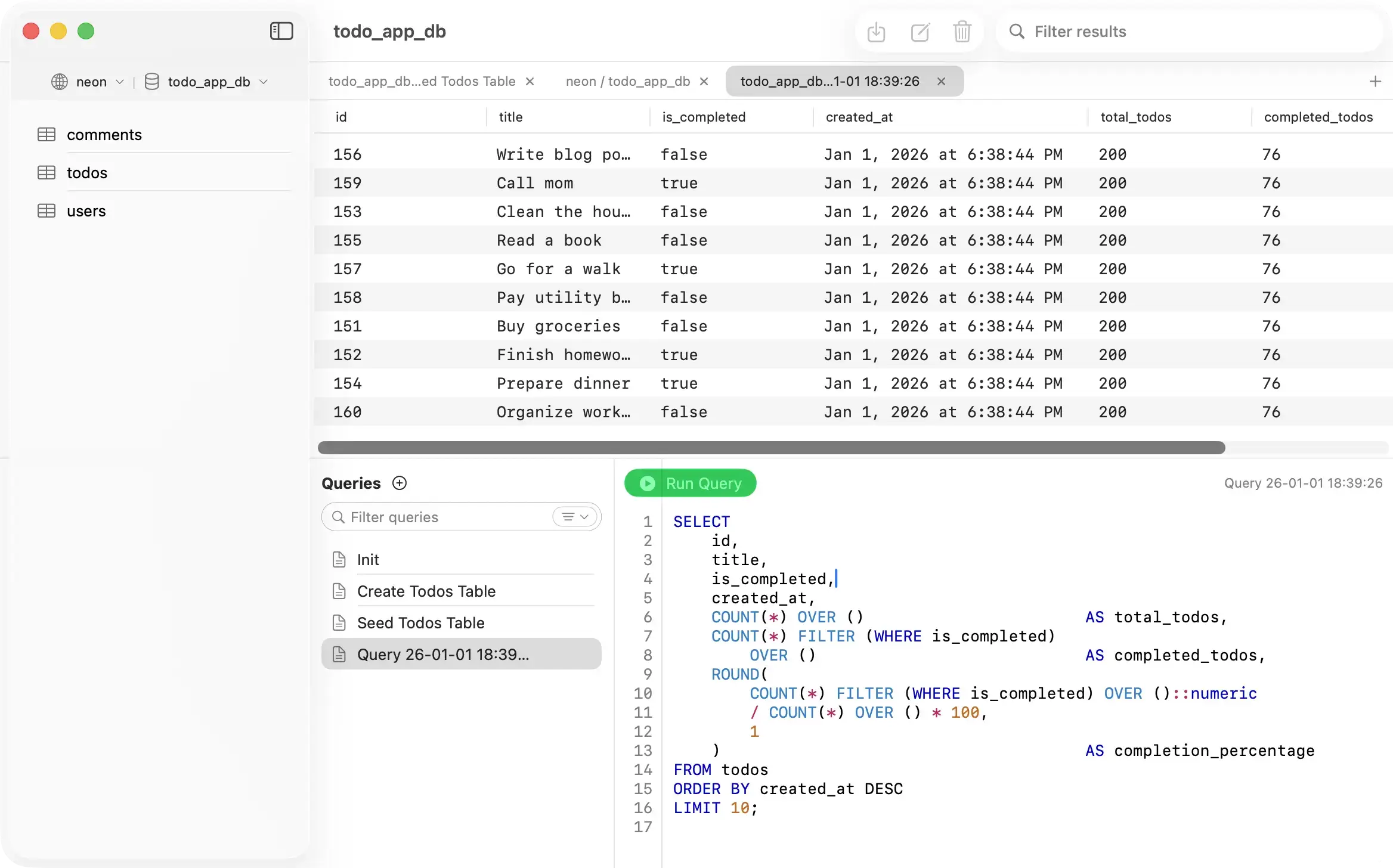
PostgresGUI trades universal database breadth for a smaller, native PostgreSQL client that opens quickly and keeps common Postgres tasks close at hand.
PostgresGUI is written for Mac instead of adapted to Mac. It uses native macOS patterns for a simpler desktop feel.
The app stays focused on PostgreSQL browsing, querying, editing, and export flows instead of bundling a universal database workbench.
Like DBeaver Community, PostgresGUI is open source. You can inspect the code, build it yourself, and file issues publicly.
Tables, query results, JSON viewing, CSV export, and connection setup are the center of the app rather than one workflow among many engines.

Choose based on whether you need a universal database workbench or a native Mac PostgreSQL client.
| Feature | PostgresGUI | DBeaver |
|---|---|---|
| Primary focus | PostgreSQL on Mac | Universal database tool |
| Platform approach | Native macOS | Cross-platform desktop |
| Open source | ||
| Free path | Build from source | Community Edition |
| Best for | Focused Mac Postgres work | Many database engines |
| App Store install |
DBeaver is excellent when breadth matters. PostgresGUI is better when a focused Mac Postgres client is enough.
